
Now Reading: Can I Watch Indian News Channels Live from My Phone While Traveling?
-
01
Can I Watch Indian News Channels Live from My Phone While Traveling?

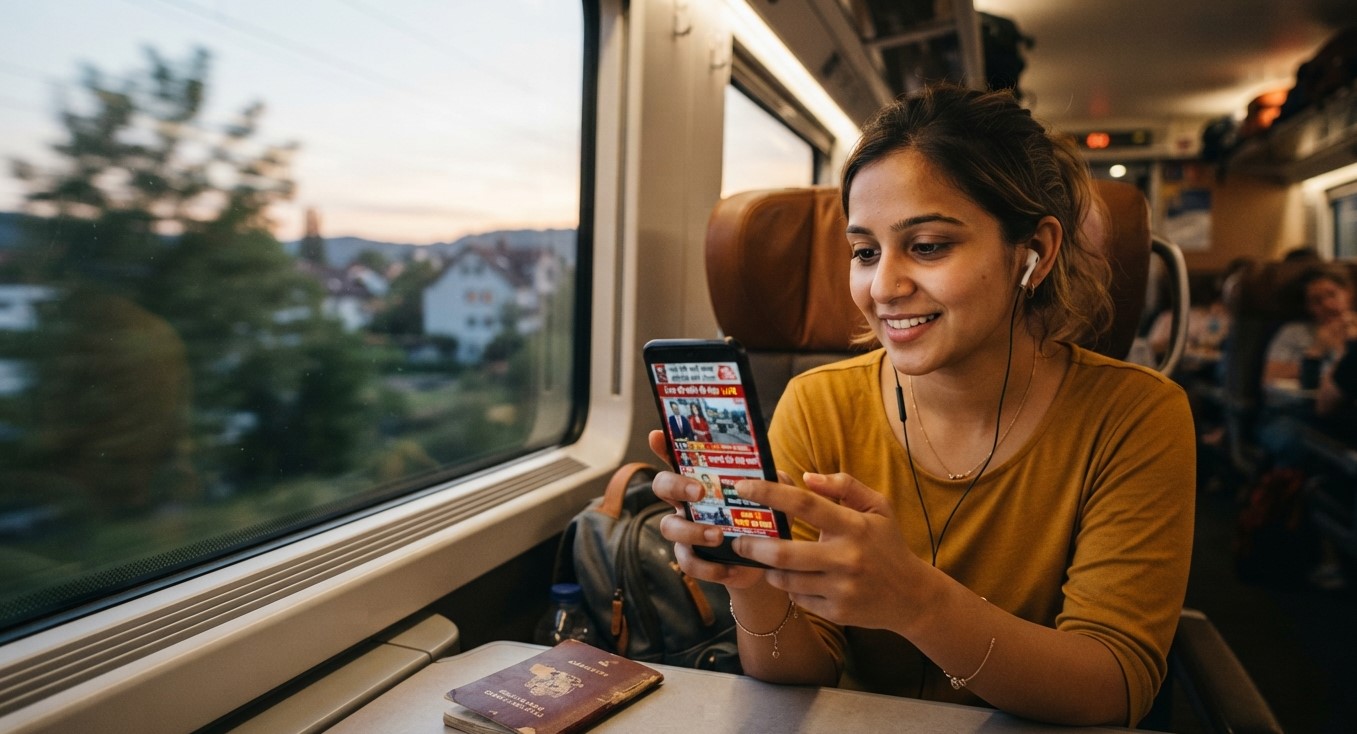
Whether you’re on a work trip, visiting family in another state, or simply away from your home TV setup, staying updated with Indian news shouldn’t require being tied to a living room. The good news is that yes, you absolutely can watch Indian news channels live on your phone while traveling, as long as you have the right IPTV setup. This guide covers exactly how it works, what you’ll need, and how to make sure your stream stays reliable wherever you are, using Indian IPTV USA.
Table of Contents
- Can You Really Watch Live News on Your Phone?
- What You Need to Stream on Mobile
- Best Apps for Watching IPTV News on Android and iPhone
- Step-by-Step: Setting Up Mobile Access
- Watching on WiFi vs. Mobile Data
- Traveling Internationally: What to Know
- Managing Data Usage While Streaming News
- Tips for a Smooth Mobile Viewing Experience
- Frequently Asked Questions
Can You Really Watch Live News on Your Phone?
Yes. Since IPTV streams over the internet rather than through a cable line or satellite dish, your phone works just as well as any other device, as long as you have your subscription login details and a compatible app installed. This means you can catch national and regional Indian news channels live, whether you’re sitting in an airport, a hotel room, or a relative’s living room across the country.
What You Need to Stream on Mobile
To watch Indian news channels on your phone, you’ll need:
- An active IPTV subscription that includes your preferred news channels
- A compatible mobile app, such as IPTV Smarters or GSE Smart IPTV
- A stable internet connection, either WiFi or mobile data
- Your login credentials or M3U playlist URL from your provider
Best Apps for Watching IPTV News on Android and iPhone
Both Android and iOS support a range of solid IPTV player apps:
| App | Platform | Notes |
|---|---|---|
| IPTV Smarters Pro | Android & iOS | Popular, beginner-friendly interface |
| GSE Smart IPTV | Android & iOS | Flexible playlist support, widely used |
| TiviMate | Android only | More customizable, Android-focused |
| Smarters Player Lite | iOS | Common lightweight option for iPhone |
Downloading directly from the Google Play Store or Apple App Store keeps installation simple, without the sideloading process sometimes required on devices like Firestick.
Step-by-Step: Setting Up Mobile Access
- Download a compatible IPTV app from your phone’s app store
- Open the app and select the login option, either username/password or M3U URL
- Enter your subscription credentials exactly as provided in your confirmation email
- Wait for your channel guide to load, then navigate to the news category
- Select your preferred news channel and start watching live
Once logged in, your app will typically remember your credentials for future sessions, so you won’t need to re-enter them every time you open the app while traveling.
Watching on WiFi vs. Mobile Data
Both WiFi and mobile data can support IPTV streaming, though each comes with trade-offs:
- WiFi generally offers more consistent speed and doesn’t count against your mobile data plan, making it the better choice when available, such as at a hotel or airport lounge
- Mobile data offers more flexibility for watching anywhere, but streaming video, especially in HD, can consume data quickly depending on your carrier plan
Traveling Internationally: What to Know
If you’re traveling outside the US, your IPTV subscription should generally continue working as long as you have a stable internet connection, since IPTV isn’t tied to a specific geographic broadcast signal the way satellite TV is. That said, connection quality can vary depending on the country and network you’re connecting through, so it’s worth testing your stream shortly after arriving to confirm everything works smoothly in your new location.
Managing Data Usage While Streaming News
News channels are typically less bandwidth-intensive than sports or movies, since much of the content involves studio segments rather than fast-moving action, but streaming still uses meaningful data over time. To manage usage while on mobile data:
- Choose a lower resolution setting within your app if available, especially for extended viewing sessions
- Monitor your data usage through your phone’s built-in settings to avoid unexpected overage charges
- Prioritize WiFi connections whenever possible for longer viewing sessions
Tips for a Smooth Mobile Viewing Experience
- Keep your IPTV app updated to the latest version for the best compatibility and performance
- Save your favorite news channels within the app for quick access without needing to search each time
- Carry a portable charger, since continuous streaming can drain your phone’s battery faster than typical use
- Test your connection briefly before a trip to confirm your login credentials are working correctly
Frequently Asked Questions
Can I watch Indian news channels on my phone anywhere in the world? In most cases, yes, as long as you have a stable internet connection, since IPTV streams over the internet rather than a location-specific broadcast signal.
Do I need a different app for my phone compared to my TV? Not necessarily. Many popular apps like IPTV Smarters are available on both mobile and TV platforms, though you’ll need to install and log in separately on each device.
Will streaming news on mobile data use a lot of my data plan? News channels tend to use less data than sports or 4K movie content, but extended viewing can still add up, so monitoring usage is a good idea.
Can I watch on my phone and TV at the same time? This depends on your subscription’s connection limit. Plans supporting multiple simultaneous connections allow this, while single-connection plans do not.
Is there a delay when watching live news on mobile compared to a TV? Any delay is typically minimal and similar to what you’d experience on other internet-based streaming devices, assuming a stable connection.
Stay Informed, Wherever You Are
With Indian IPTV USA, you can catch live Indian news, entertainment, and regional channels right from your phone, no matter where your travels take you. Prefer a dedicated setup for home? Pair your subscription with a reliable Indian IPTV Box for the best big-screen experience.